
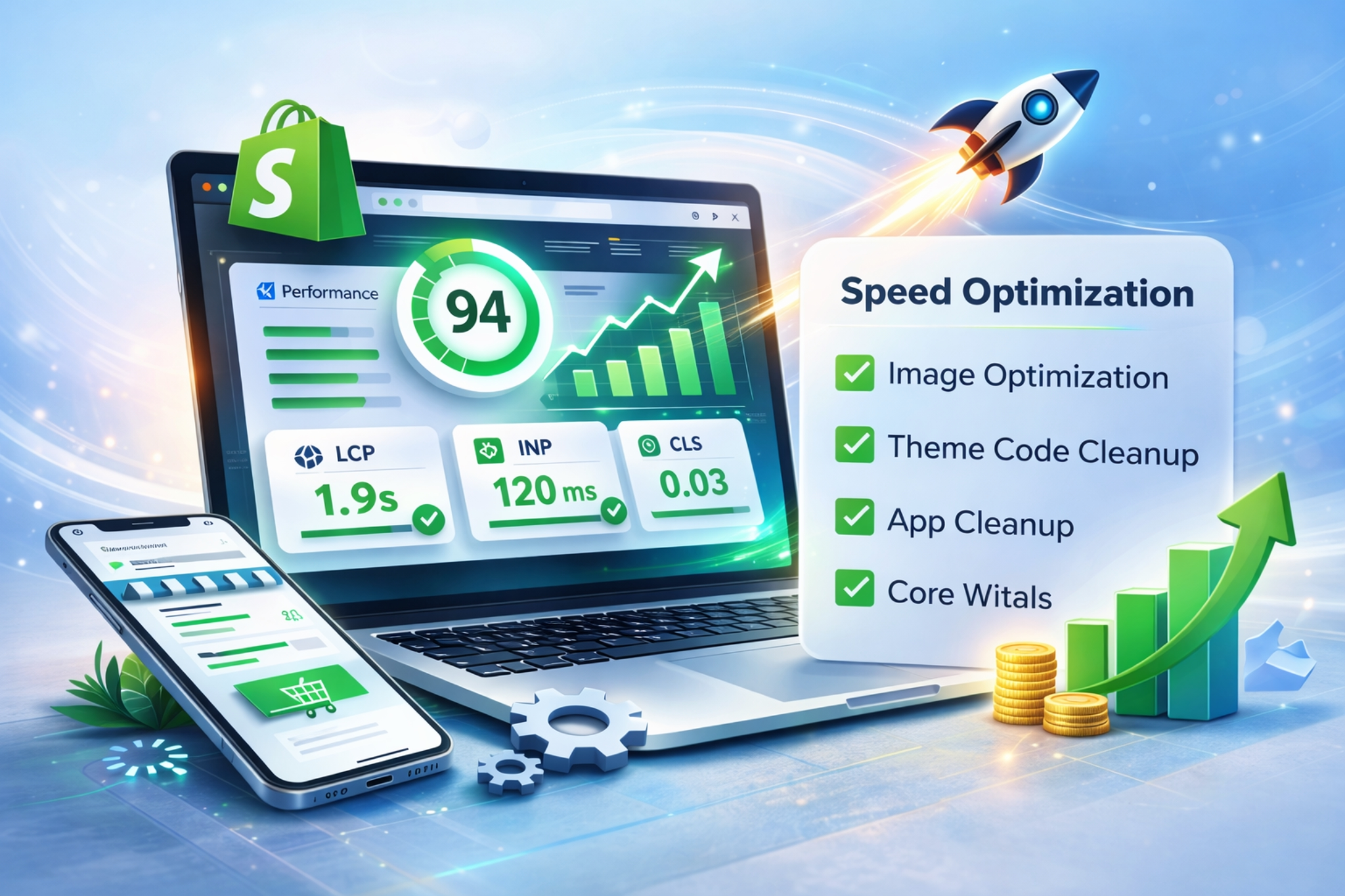
Shopify Speed Optimization: Complete Guide to Faster Stores & Higher Conversions
In ecommerce, speed is not a technical metric it’s revenue.
A slow Shopify store doesn’t just frustrate users. It silently kills conversions, increases ad costs, and damages SEO rankings.
If your Shopify store takes more than 3 seconds to load, you’re losing customers before they even see your product.
In this guide, we’ll break down:
- Why Shopify speed matters
- What actually slows down a Shopify store
- How professional Shopify speed optimization works
- How faster sites directly increase revenue
Why Shopify Speed Directly Impacts Revenue
Speed affects:
- Conversion rate
- Bounce rate
- Google rankings
- Customer trust
- Mobile experience
- ROAS from paid ads
Even a 0.5–1 second improvement can increase conversions significantly.
For growth-focused brands, Shopify speed optimization is not optional it’s foundational.
What Slows Down a Shopify Store?
After auditing 100+ Shopify stores, the most common issues are:
1. Heavy Themes
Many premium themes are overloaded with unused scripts and animations.
2. Unoptimized Images
Large images without compression are one of the biggest performance killers.
3. Excess Apps
Each app injects scripts, CSS, and tracking files. Many stores run 20+ apps unnecessarily.
4. Third-Party Tracking Scripts
Meta Pixel, Google Ads, TikTok, Hotjar — all combined can slow page load.
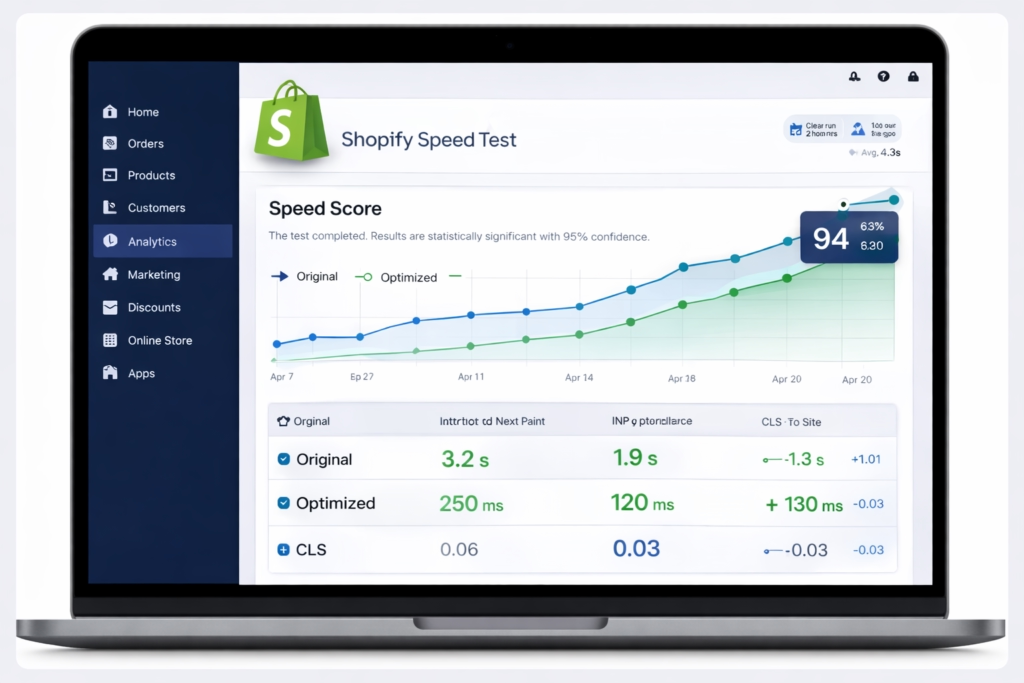
5. Poor Core Web Vitals
LCP, CLS, and INP directly impact SEO rankings.
Our Shopify Speed Optimization Framework
At TechCure, we don’t just “compress images.”
We follow a structured optimization process:
✔ Theme Code Cleanup
- Remove unused CSS & JS
- Defer non-critical scripts
- Minify assets
- Reduce render-blocking resources
✔ App Audit & Script Optimization
- Remove redundant apps
- Replace heavy apps with custom-coded solutions
- Lazy load external scripts
✔ Image & Media Optimization
- WebP conversion
- Lazy loading
- Proper sizing strategy
✔ Core Web Vitals Optimization
- Improve Largest Contentful Paint (LCP)
- Eliminate layout shifts (CLS)
- Optimize Time to Interactive (TTI)
How Speed Optimization Improves Shopify SEO
Google prioritizes fast websites.
Improving speed helps:
- Increase organic rankings
- Improve crawl efficiency
- Reduce bounce rate
- Improve mobile usability score
If you’re investing in SEO but ignoring speed, you’re leaking potential growth.
Real Business Impact
Let’s say:
- 50,000 monthly visitors
- 2% conversion rate
- $80 average order value
If speed optimization improves conversion rate from 2% to 2.4%:
That’s 200 extra orders per month.
$16,000 additional monthly revenue.
Without increasing ad spend.
That’s the power of technical optimization.
When Should You Invest in Shopify Speed Optimization?
You should prioritize it if:
- Your store loads in 3+ seconds
- Your mobile score is below 70
- Bounce rate is high
- Paid ads are expensive
- Core Web Vitals are failing
Final Thoughts
Shopify speed optimization is not about chasing a 100 PageSpeed score.
It’s about:
- Removing friction
- Improving user experience
- Increasing revenue per visitor
- Strengthening SEO foundation
If you’re serious about scaling your Shopify store, speed optimization is one of the highest ROI improvements you can make.